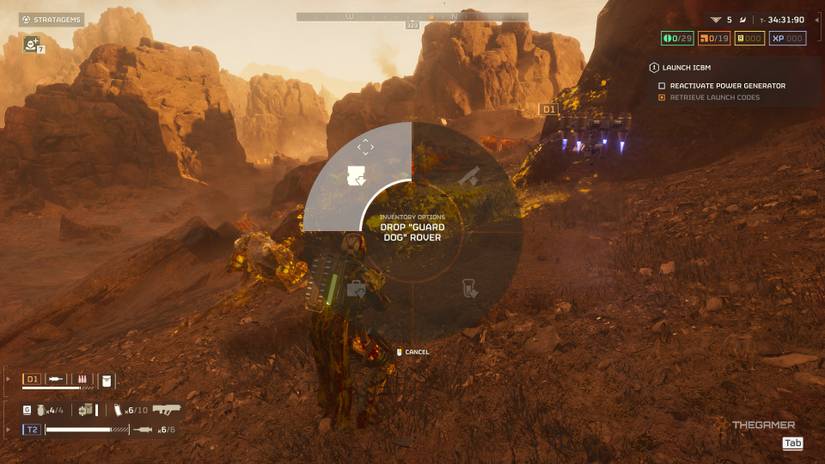
Hold the backpack drop command, select the backpack icon, and release the button to leave it on the ground.
Knowing how to drop backpack Helldivers 2 gear can save a squad when a teammate needs supplies, a shield, or a different support loadout. The process is simple once you understand the drop menu, controller inputs, and a few limits that can make the option seem broken.
How to Drop a Backpack in Helldivers 2
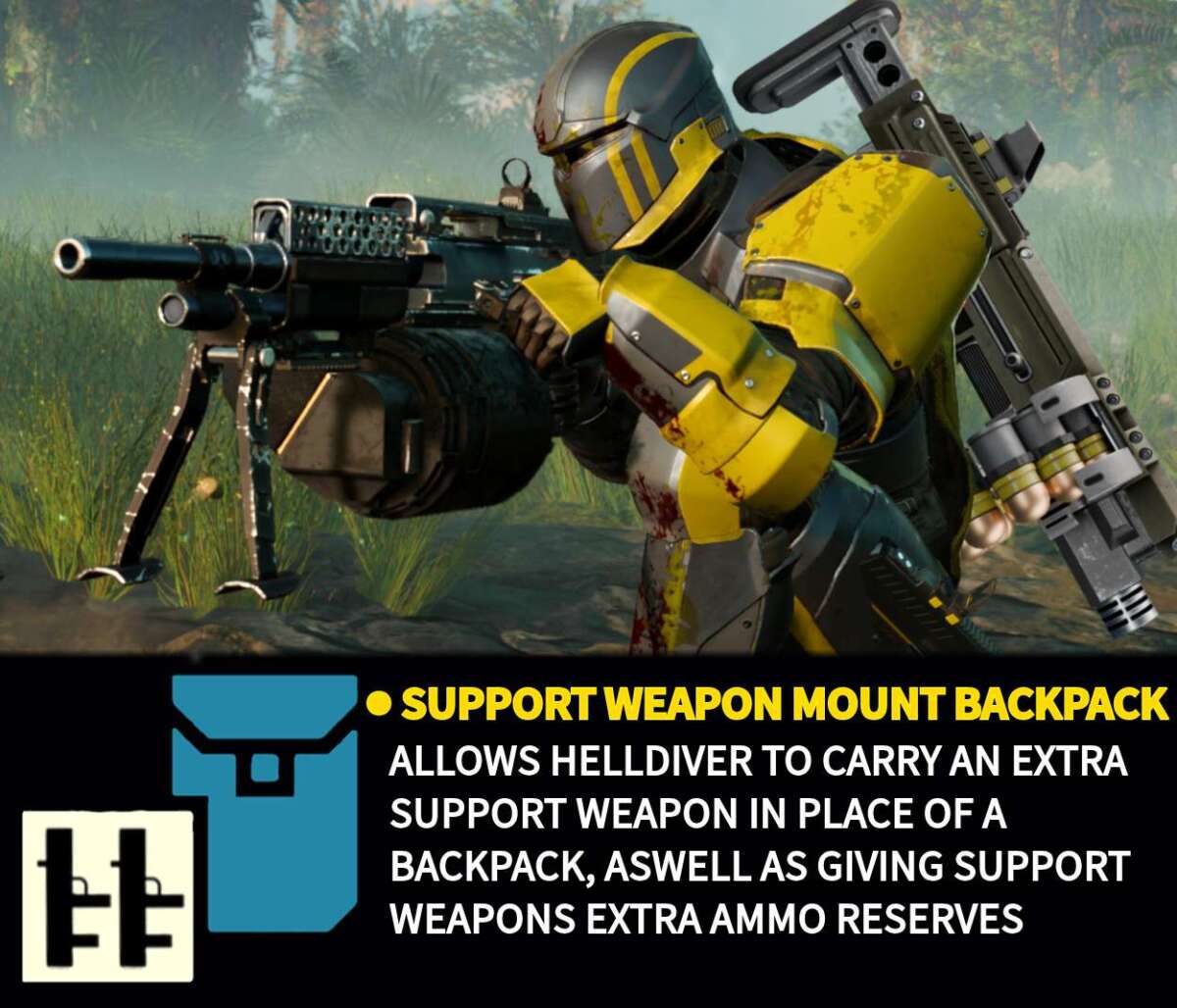
Helldivers 2 lets you drop certain equipment items during a mission. This includes many backpack stratagems, such as the Guard Dog, Supply Pack, Shield Generator Pack, and Recoilless Rifle backpack.
The exact input depends on your platform and control settings:
• PC: Press and hold the default drop-menu key, usually X.
• PlayStation 5: Press and hold Down on the D-pad.
• Custom controls: Open the settings menu and check your keybind for the “Drop Item” or “Open Drop Menu” action.
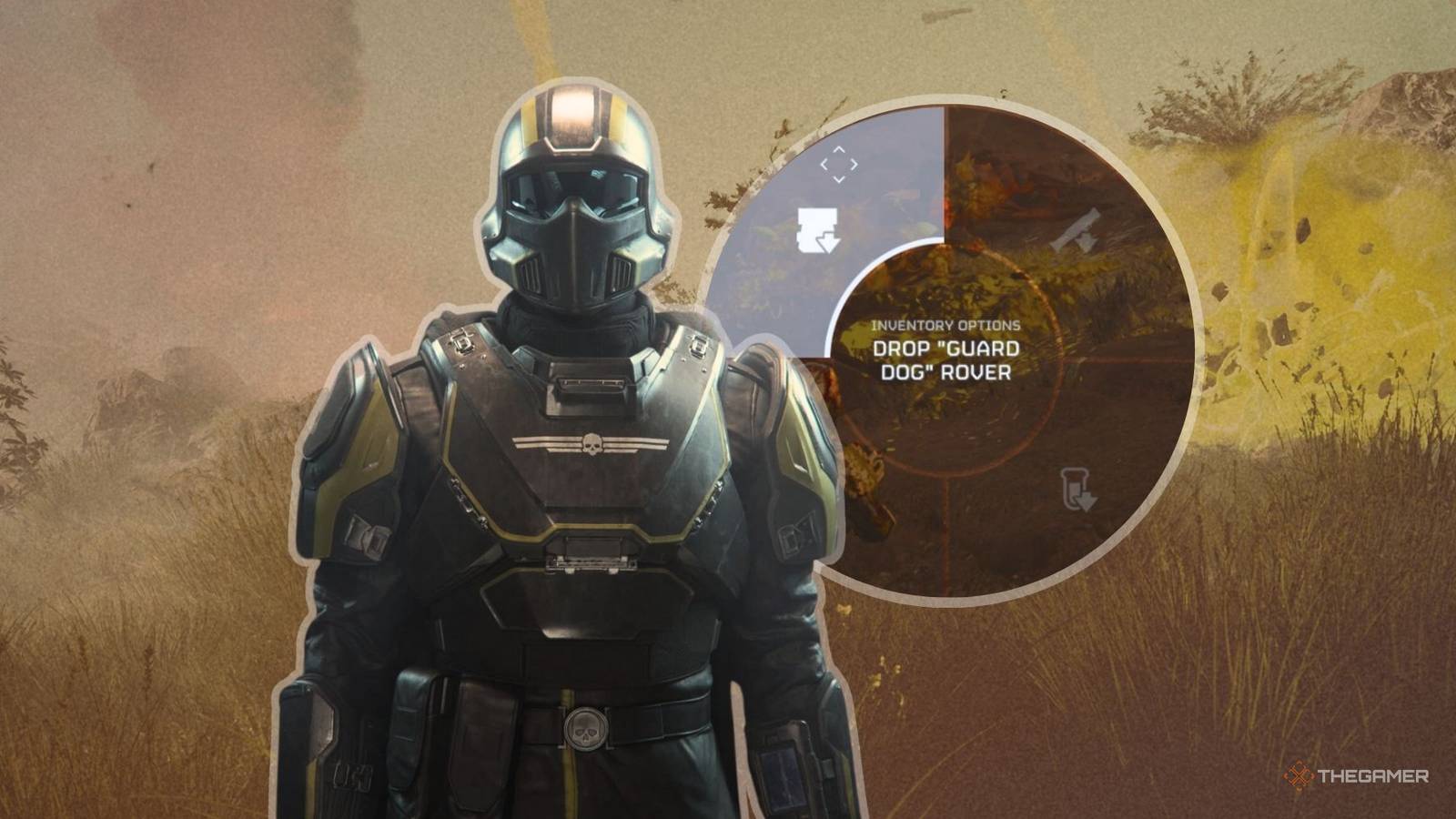
While holding the button, a small radial menu should appear. Move the selection to your backpack, then release the button. Your Helldiver will place the backpack on the ground.
This is the basic answer to how to drop backpack Helldivers 2 players need during combat. The backpack does not vanish, and another player can usually walk over it and pick it up.
Step-by-Step Backpack Drop Instructions
Follow these steps when you want to drop a backpack in Helldivers 2:
-
Move to a safe spot if possible. Dropping gear in the middle of a patrol can make the exchange risky.
-
Stop moving for a moment. The menu is easier to use when you are not sprinting, diving, or aiming.
-
Press and hold the drop-menu button.
-
Look for the backpack symbol in the item wheel.
-
Move the selector to the backpack option.
-
Release the button to drop the item.
-
Let your teammate know that the backpack is ready.
On PC, mouse movement or the mouse wheel may control the item selection, depending on your current settings. On PlayStation 5, use the D-pad while holding the drop command. If the menu does not appear, check your keybinds before assuming the feature is broken.
The most common mistake with how to drop backpack Helldivers 2 equipment is tapping the button instead of holding it. A quick press may do nothing, while a longer press opens the full drop menu.

Which Backpacks Can You Drop?
Most backpack items can be dropped after you call them down and equip them. However, the backpack must exist as a physical item on your Helldiver’s back before you can leave it for someone else.
Common examples include:
• Shield Generator Pack: Gives a teammate a personal energy shield.
• Guard Dog Rover: Provides automated protection against nearby enemies.
• Supply Pack: Lets the carrier distribute extra ammunition, grenades, and stims.
• Jump Pack: Helps a player reach higher ground or escape danger.
• Recoilless Rifle backpack: Holds the ammunition needed to reload the weapon.
• Spear backpack: Stores missiles for the Spear launcher.
• Autocannon backpack: Carries ammunition for the Autocannon.
Some support weapons use a separate backpack. Dropping the weapon alone may not give another player everything they need. For example, a teammate using a Recoilless Rifle may need both the launcher and its ammunition backpack.
This detail matters when learning how to drop backpack Helldivers 2 items for a coordinated team. If you leave only one half of a weapon system, your teammate may not be able to use it properly.
How to Give a Backpack to Another Player
Dropping the item is only half of the process. Your teammate must also pick it up.
After you drop the backpack, stand clear of it and tell the other player to approach. The teammate can usually interact with the item and equip it. They may need to remove their current backpack first.
A simple team exchange looks like this:
• Player One calls down a Supply Pack.
• Player One equips it and uses it until the team needs a change.
• Player One opens the drop menu and leaves the backpack.
• Player Two walks over and equips it.
• Player One selects a new support item or takes a weapon from the ground.
Avoid dropping a backpack directly under a large enemy, inside fire, or beside an active bug breach. Items can become difficult to reach when the battlefield is crowded. A few seconds of preparation can prevent a frustrating recovery mission.
In squad play, how to drop backpack Helldivers 2 equipment works best when players use short voice or text callouts. Say “Supply Pack on the ground” or “Recoilless ammo here” so nobody wastes time searching.

How to Drop a Backpack on PC
The default PC method usually uses the X key. Press and hold X to open the drop wheel, then select the backpack and release the key.
If X does not work, open the Controls section in the game settings. PC players often change keybinds for movement, stratagems, crouching, or communication. A custom layout may move the drop function to another key.
Check these settings:
• Look for the action linked to the drop menu.
• Confirm that the key is not shared with another command.
• Test the key while standing still.
• Make sure your keyboard software is not blocking the input.
• Restore the default control layout if you cannot find the correct setting.
For many players, the confusion comes from expecting a single key press to drop the item. The default system is designed as a hold action, so the wheel can display several objects at once.
If you are searching for how to drop backpack Helldivers 2 items on PC, remember that the on-screen prompt is more reliable than a guide based on an older control layout.

How to Drop a Backpack on PS5
On PlayStation 5, hold Down on the D-pad to open the drop menu. Keep holding the button, select the backpack option, and release it.
Do not confuse this action with the other D-pad commands. Directional inputs can also control equipment, emotes, and other quick actions. Holding Down is important because a short press may trigger a different function or produce no visible result.
If the backpack menu does not appear:
• Check the Controller settings.
• Confirm the drop action is still assigned to Down on the D-pad.