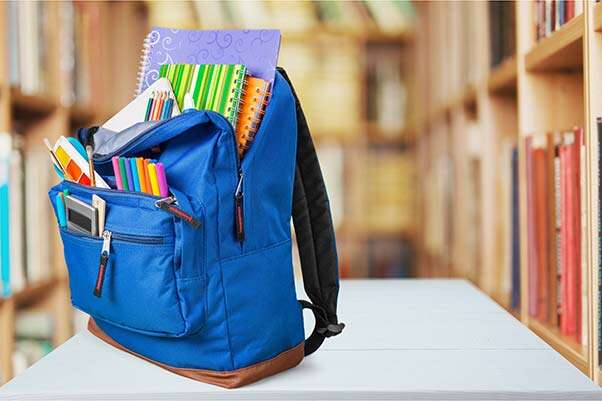
Organize a backpack by weight, access, purpose, and comfort so every item has a clear place.
Learning how to organize a backpack can make school, work, travel, and outdoor trips much easier. A well-packed bag feels lighter, protects your gear, and helps you find what you need without digging through a messy pile. This guide combines practical packing methods, comfort tips, and lessons from real-world use so you can build a system that works every day.
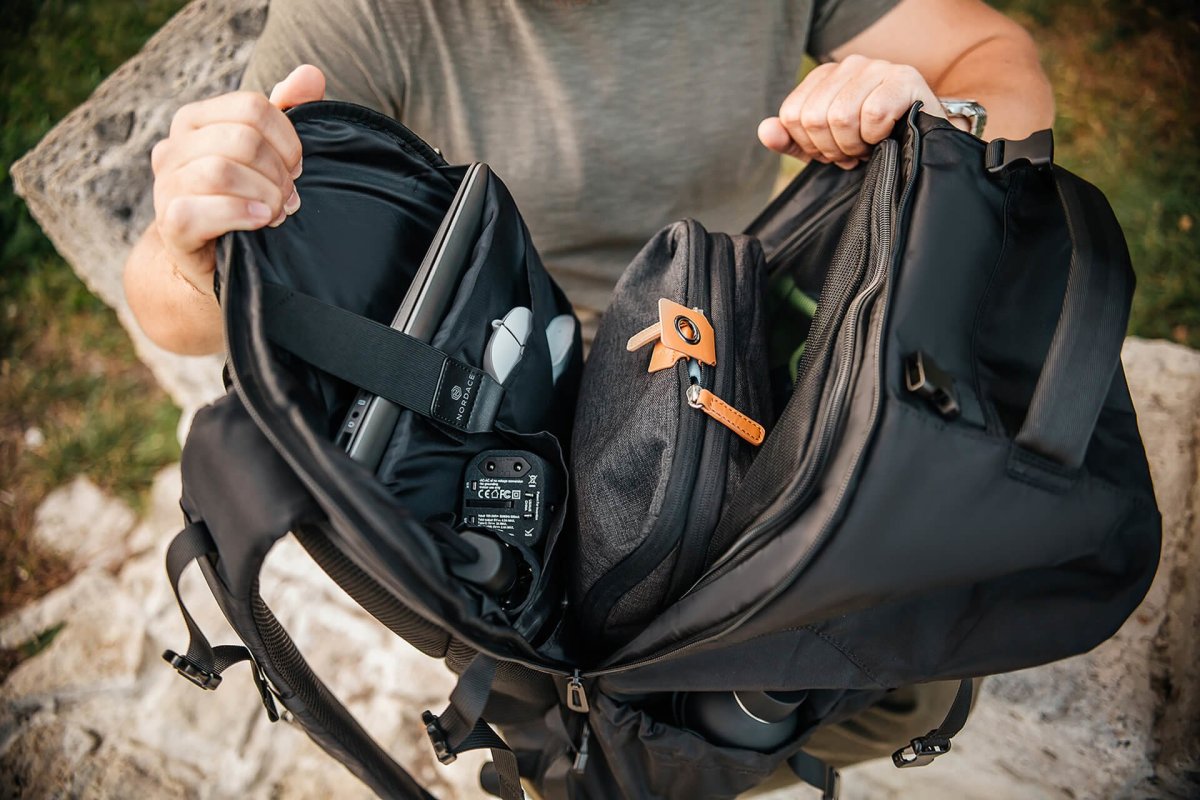
Why Backpack Organization Matters
A backpack is more than a bag. It is a small storage system that you carry on your back. When items are placed without a plan, heavy objects may pull on your shoulders, fragile items may break, and small tools may disappear at the bottom.
Good organization improves comfort and saves time. It can also reduce strain because the load stays close to your body and remains balanced.
The best way to organize a backpack depends on how you use it. A student may need books, a laptop, and lunch. A traveler may need clothes, documents, and toiletries. A hiker may need water, food, safety gear, and extra layers.
Organizing a backpack well can help you:
• Find important items faster
• Keep fragile gear safe
• Reduce shoulder and back strain
• Avoid carrying items you do not need
• Use the available space more efficiently
• Prepare for changes in weather or plans
Research on backpack safety often recommends keeping the load close to the body and limiting the total weight. For children, many health and school safety experts suggest carrying no more than about 10% to 15% of body weight. Adults should also use comfort as a guide and avoid carrying more than they can manage without pain.

Start by Emptying and Sorting Everything
The first step in how to organize a backpack is to remove everything. Turn the bag upside down and empty every pocket. Small items often hide in corners, especially pens, receipts, snack wrappers, and loose chargers.
Place everything on a table or floor. Then sort the items into simple groups:
• Daily essentials
• Work or school supplies
• Electronics
• Food and drinks
• Health and personal care items
• Emergency or backup items
• Items that do not belong in the backpack
This step may seem basic, but it prevents a common mistake: organizing clutter instead of removing it. If you keep packing items that you rarely use, the backpack will become heavy again within a few days.
I have found that a five-minute reset can make a large difference. Once, I carried two notebooks for weeks because I assumed I might need both. After removing one, the bag felt noticeably easier to carry.
Check every item before putting it back. Ask yourself:
• Did I use this during the past week?
• Will I likely need it today?
• Can I replace it easily if needed?
• Does it serve more than one purpose?
If the answer is no, leave it out unless it is part of an emergency kit.

Choose the Right Backpack for the Job
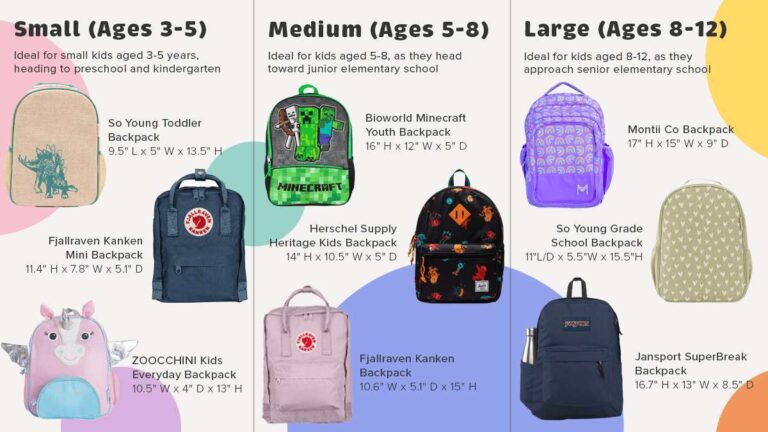
Organization starts before packing. The backpack itself should match your activity, body size, and daily load.
A school backpack may need separate space for books, a laptop, and lunch. A travel backpack may need a wide opening, compression straps, and a padded hip belt. A hiking backpack may need external pockets, water storage, and adjustable support.
Look for these useful features:
• Padded shoulder straps
• A supportive back panel
• Several compartments
• A laptop sleeve when needed
• Strong zippers
• Water-resistant fabric or a rain cover
• Side pockets for bottles
• A chest strap for stability
• A hip belt for heavier loads
More pockets do not always mean better organization. Too many small compartments can make items hard to find. Choose a layout that matches the items you carry most often.
Your backpack should also fit your torso. The shoulder straps should sit comfortably, and the bag should rest close to your back. A backpack that hangs too low can pull your body backward and increase discomfort.

Use the Weight Zone Method
The weight zone method is one of the simplest ways to organize a backpack. It places items based on their weight, size, and frequency of use.
Put heavy items close to your back
Place laptops, books, cameras, and other dense items in the compartment closest to your back. This keeps the center of mass near your body.
When heavy items sit far from your back, they create more pull. It is similar to holding a full grocery bag with your arm stretched out. The bag may weigh the same, but it feels much heavier.
Keep medium items around the core
Place notebooks, clothing, food containers, and small equipment in the middle area. Use soft items to fill empty spaces and prevent movement.
For example, a sweater can protect a camera or fill the gap beside a lunch container. Avoid pressing hard objects directly against fragile screens or lenses.
Store light items away from your back
Light clothing, towels, empty bags, and rain shells can go near the front or top of the main compartment. These items add little strain and are easy to compress.
Keep small items in dedicated pockets
Use smaller pockets for keys, cards, tissues, cables, and other small gear. A dedicated place helps you find each item without unpacking the whole bag.
This weight zone method is central to how to organize a backpack because it supports both comfort and access.
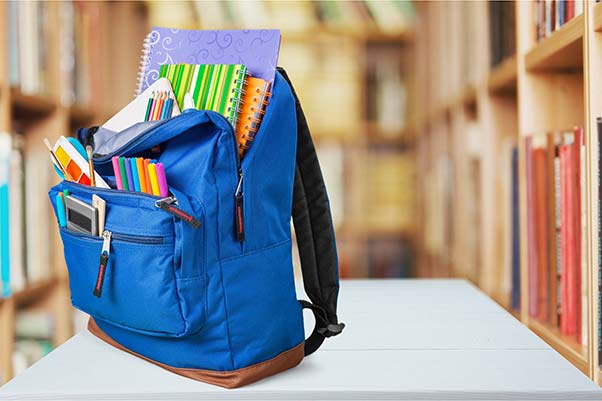
Pack Items in Order of Use
The items you need most often should be easiest to reach. Items you may not use until later can go deeper inside.
A practical packing order is:
-
Place flat or soft items at the bottom.