
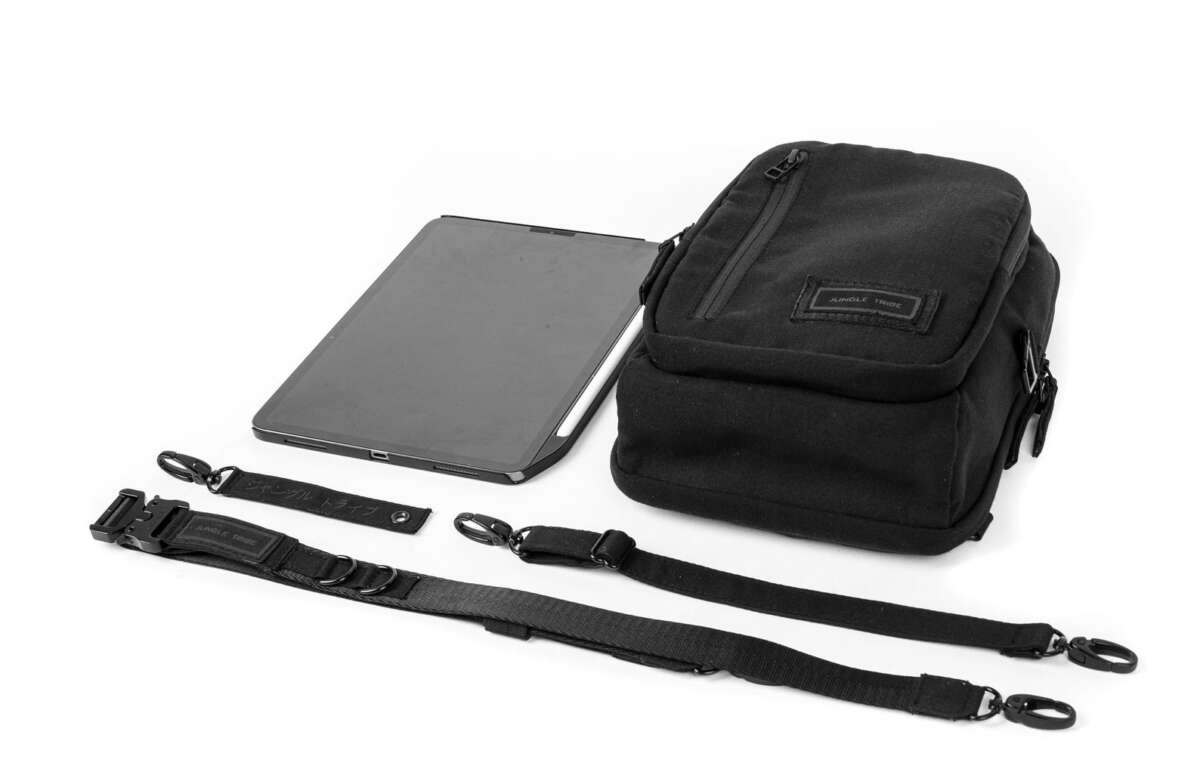
Yes, you can pack an iPad in a suitcase when traveling in the United States. However, the safest choice is to place it in your carry-on bag, not in checked luggage.
An iPad contains a rechargeable lithium-ion battery. The battery is usually allowed on a plane, but lithium batteries receive stricter treatment when they travel in the aircraft’s cargo hold. Keep the iPad protected, powered off or in sleep mode, and easy to remove for security screening.
The word “suitcase” matters here:
- A carry-on suitcase stays with you in the cabin.
- A checked suitcase travels in the plane’s cargo hold.
The TSA generally permits tablets in both carry-on and checked baggage. The Federal Aviation Administration (FAA), however, advises passengers to keep portable electronic devices with lithium batteries in carry-on baggage when possible.
Key takeaways
- Yes, an iPad can go in your suitcase.
- Pack it in a carry-on suitcase or personal item whenever possible.
- Avoid placing an iPad in checked baggage because of damage, theft, loss, and battery-safety concerns.
- If you must check it, turn it fully off and protect it from movement or accidental activation.
- Keep power banks and spare lithium batteries in your carry-on only.
- Check your airline’s rules before departure because airlines may apply stricter limits than the general TSA rules.
Can you pack an iPad in a carry-on suitcase?
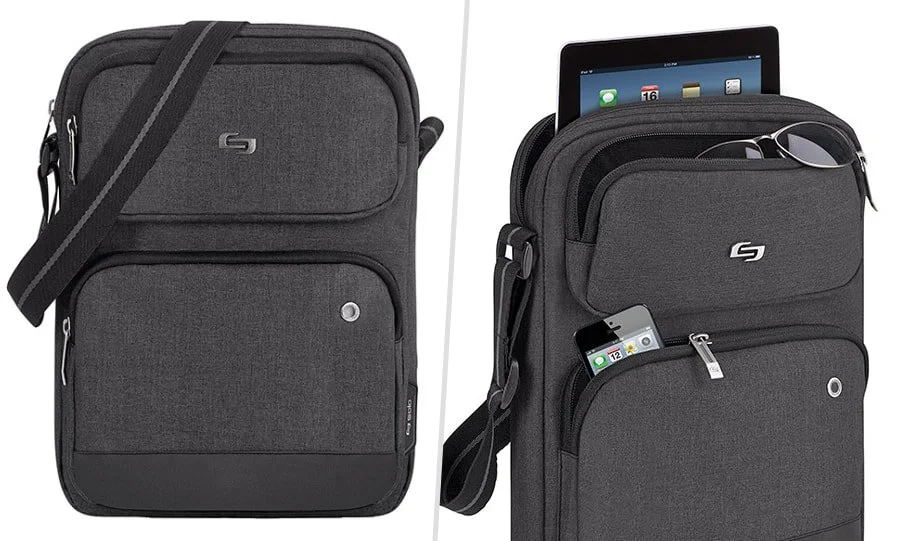
Yes. An iPad can travel in a carry-on suitcase, backpack, or personal item. This is the preferred option because you can protect the device and respond quickly if airport security needs to inspect it.
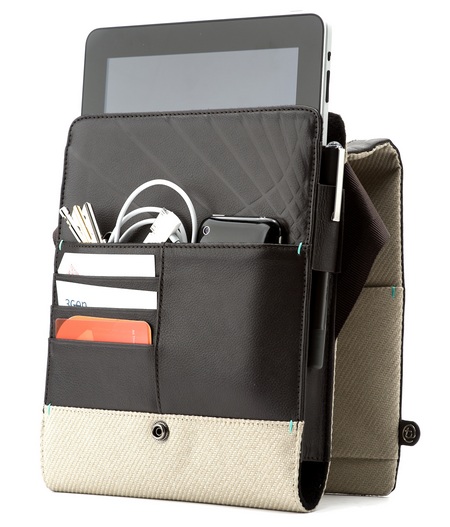
Place the iPad in a padded sleeve or a separate laptop-tablet pocket. Do not pack heavy items, such as shoes, books, or a water bottle, directly on top of it. A rigid case can add more protection if your carry-on may be squeezed into an overhead bin.
At the security checkpoint, the TSA may ask you to remove an iPad from your bag. The exact process can vary by airport, checkpoint, and screening technology. TSA PreCheck travelers often do not need to remove standard electronics from their bags, but officers can still give different instructions.
Keep the tablet charged enough to turn on if an officer asks. A completely dead device may cause delays or require extra screening. You do not need to remove the iPad from its case unless a TSA officer asks you to do so.
Can you put an iPad in checked luggage?
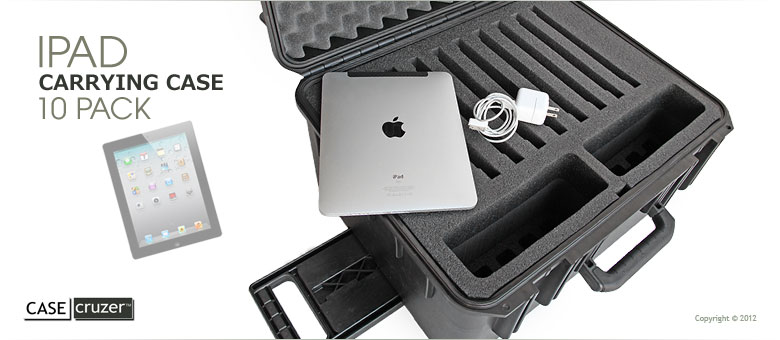
You can usually place an iPad in checked luggage, but it is not the best option. The TSA allows many portable electronic devices in checked baggage, while FAA guidance recommends carrying devices with lithium batteries in the cabin whenever practical.
If an iPad must go in a checked suitcase:
- Turn it completely off. Do not leave it in sleep mode.
- Protect the power button so clothing or other items cannot turn it on.
- Use a strong case or padded sleeve.
- Place it in the center of the suitcase, surrounded by soft clothing.
- Do not pack it next to sharp objects or hard items that could press against the screen.
- Remove power banks and spare batteries. Those must stay in your carry-on.
- Check the airline’s rules before handing over the bag.
Checked baggage can be dropped, compressed, exposed to temperature changes, or delayed. An iPad may also be more vulnerable to theft when it is out of your sight. These practical risks are the main reasons travelers should keep it in the cabin.
Why checked luggage is a poor choice for an iPad
The issue is not only the battery. A checked suitcase can create several problems:
- The screen may crack under pressure.
- The tablet may be lost or delayed.
- Baggage handlers may drop the suitcase.
- The device may be difficult to access during a delay.
- Airline liability for electronics may be limited.
- A powered-on device could overheat if it is covered by clothing.
A carry-on bag gives you more control. Think of it as keeping a fragile book in your hand instead of placing it in a box that you cannot watch.
How to pack an iPad safely for a flight
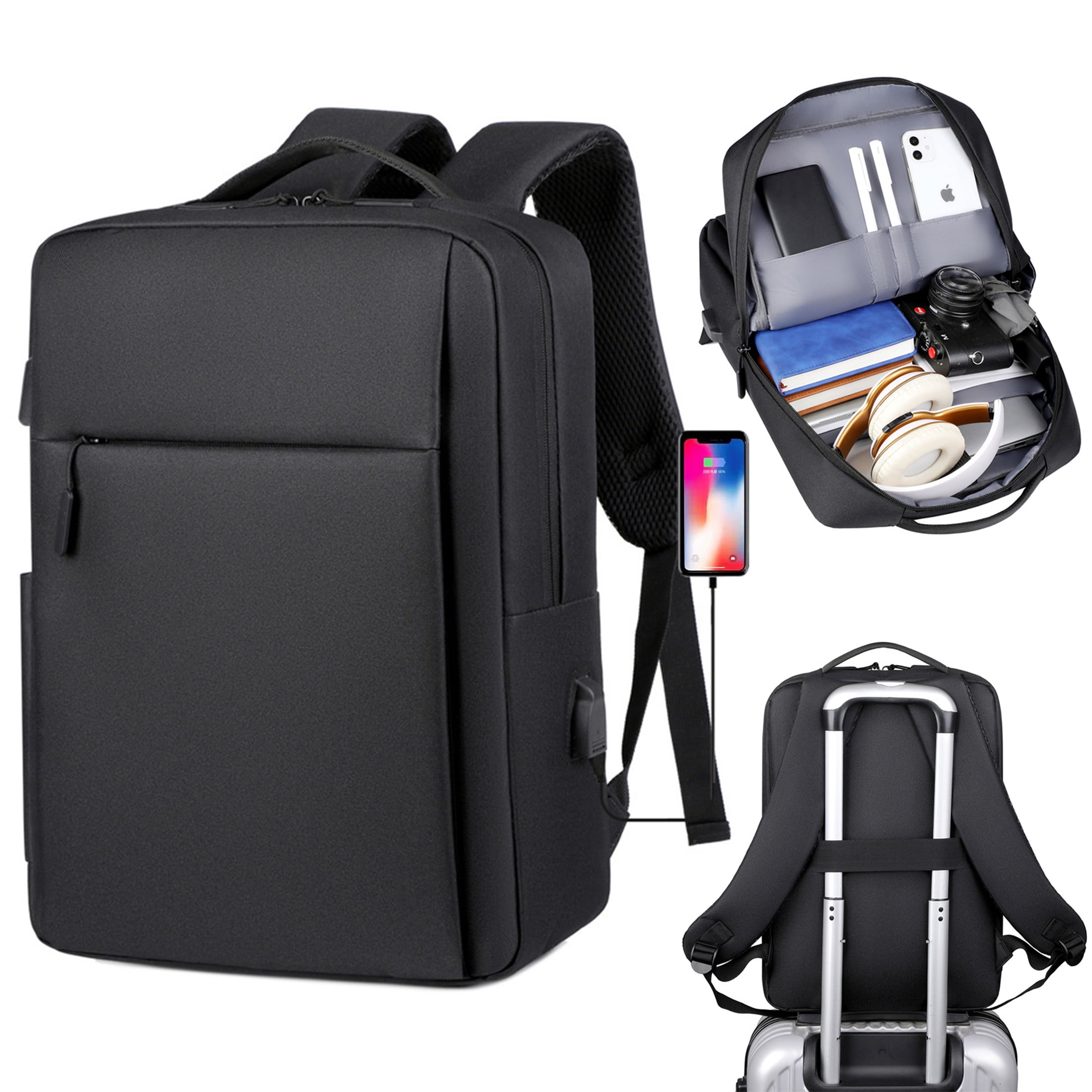
Use a simple packing method that protects the screen, prevents accidental activation, and keeps the device available for inspection.
1. Back up the iPad
Back up important photos, documents, and travel details before leaving home. You can use iCloud or a computer. A backup will not prevent physical damage, but it can protect your information if the iPad is lost or stops working.
2. Install needed updates before the trip
Update the iPad while you have reliable Wi-Fi. Download travel documents, boarding passes, maps, books, or entertainment for offline use. This reduces your dependence on airport Wi-Fi.
3. Use a protective case
A case with raised edges can help protect the screen from minor impacts. A separate sleeve offers extra protection inside a crowded bag.
Avoid wrapping the iPad tightly in clothing if the power button could be pressed. A firm sleeve is easier to inspect and provides more predictable protection.
4. Turn off accessories you do not need
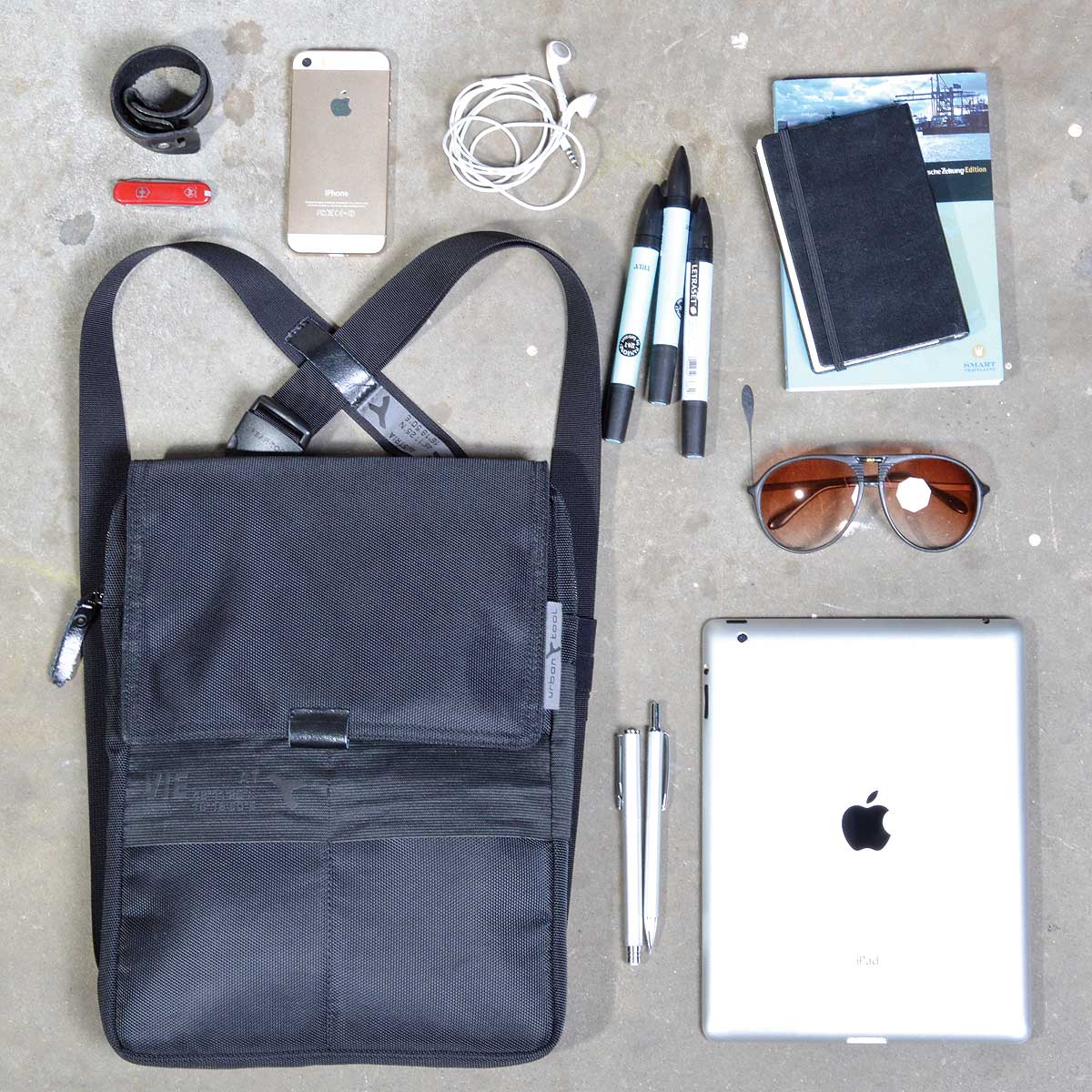
Disconnect keyboards, hubs, and other accessories if they make the bag bulky. Pack chargers and cables in a small pouch so they do not scratch the iPad.
A wall charger and cable may travel in checked or carry-on baggage. A power bank, also called a portable charger or spare lithium battery, must stay in your carry-on under FAA rules.
5. Place the iPad where you can reach it
The best location is a dedicated tablet pocket or the top section of your personal item. This helps you remove it quickly if requested and lets you use it during the trip.
Do not place it loosely between shoes, metal items, or liquids. Keep drinks and toiletries in sealed bags away from electronics.
6. Protect your account and data
Use a passcode and enable Find My on the iPad. Avoid leaving sensitive documents open on the screen at a public checkpoint. If you use a cellular iPad, you can turn off cellular data or use airplane mode during the flight.
iPad packing rules at TSA security
TSA screening rules can differ by airport and checkpoint. Follow the officer’s instructions even if your bag passed through screening in the past.
For a standard security lane:
- Put the iPad in a bin if the officer directs you to do so.
- Remove it from the bag if requested.
- Keep the screen accessible.
- Do not place liquids or metal objects on top of it.
- Be ready to show that the device turns on.
For TSA PreCheck, larger electronics often may remain in the bag. Still, screening procedures can change, and TSA officers have final authority at the checkpoint.
The iPad itself does not need to be placed in a clear plastic liquids bag. That rule applies to liquids, gels, and aerosols, not tablets.
iPad battery and lithium-battery rules
An iPad uses a rechargeable lithium-ion battery. The key safety concern is a battery that is damaged, short-circuited, overheats, or turns on accidentally.
The FAA generally permits portable electronic devices with batteries rated up to 100 watt-hours (Wh) without special airline approval. Batteries above 100 Wh may require airline approval, and devices with batteries over 160 Wh are generally not allowed in passenger baggage.
Most consumer tablets fall below the 100 Wh limit, but the exact battery rating depends on the model. Check the device specification or manufacturer information if an airline asks for the watt-hour rating.
What about an iPad power bank?
A power bank is treated as a spare lithium battery. Keep it in your carry-on bag, not your checked suitcase.
Protect the power bank from short circuits. Keep it in its original packaging, a battery pouch, or a separate plastic bag. Do not place loose power banks next to keys, coins, or other metal objects.
If a carry-on bag is taken at the gate and placed in the cargo hold, remove the power bank and keep it with you in the cabin.
What if the iPad battery is swollen or damaged?
Do not fly with an iPad that has a swollen, leaking, smoking, unusually hot, or visibly damaged battery. Do not place it in checked luggage.
Move away from the device if it is smoking or burning and notify airline staff or airport personnel immediately. For a swollen battery, contact Apple or a qualified repair provider before traveling.
Carry-on versus checked luggage for an iPad
This table shows the practical difference between the two choices.
| Packing location | Usually allowed? | Main benefit | Main concern |
|---|---|---|---|
| Carry-on suitcase | Yes | You control and protect the iPad | It may need separate screening |
| Personal item | Yes | Easy access during the flight | Less space and less padding |
| Checked suitcase | Usually, but not preferred | Frees cabin space | Damage, loss, theft, and battery concerns |
| Gate-checked carry-on | Avoid if possible | Airline handles the bag at the gate | Remove the iPad and power bank first |
The best choice is usually a personal item or carry-on bag with a padded tablet compartment. A checked suitcase should be a last resort for the iPad.
Can you use an iPad during a flight?
Usually, yes. Airlines commonly allow passengers to use tablets in airplane mode during flight, but the crew may restrict use during takeoff, landing, or other parts of the journey.
Follow the airline’s instructions. Some flights may allow Wi-Fi, while others may not. Cellular service must remain off or in airplane mode unless the airline gives different instructions.
Keep the iPad securely stored when the crew asks passengers to stow larger devices. Do not use a tablet if it blocks the aisle, emergency equipment, or your ability to follow crew instructions.
Common mistakes to avoid
Packing a power bank in checked baggage
This is one of the most important mistakes. A power bank is a spare lithium battery and belongs in your carry-on.
Leaving the iPad in sleep mode inside checked luggage
Sleep mode is not the same as being fully powered off. Items in a suitcase can press the power button or cause the device to wake. Turn the iPad off if you must check it.
Packing the tablet without a case
A bare iPad can be damaged by pressure from shoes, books, chargers, or toiletry bottles. Use a sleeve even for a short flight.
Putting the iPad at the bottom of a full bag
You may need to remove it at security or during a gate inspection. Keep it near the top.
Assuming every airline follows the same process
TSA rules apply to U.S. airport screening, but airlines can set additional baggage requirements. If you fly internationally, the rules at your departure, connection, or return airport may differ.
Forgetting the charger
A tablet with no charge may be less useful during delays. Pack the charging cable and wall adapter in your carry-on. Keep the cable separate from the iPad so it does not press against the screen.
What to do if your iPad is lost or damaged
If the iPad is missing after a flight, report it before leaving the airport when possible. Contact the airline’s baggage service office for checked-bag problems. For an item missing from a security checkpoint, contact the airport or TSA lost-and-found process.
If the screen is cracked or the device will not turn on:
- Do not charge it if it is hot, swollen, leaking, or visibly damaged.
- Photograph the damage and the suitcase.
- Keep baggage claim tags and travel records.
- Report the problem to the airline promptly.
- Contact Apple or a qualified repair provider for a battery or hardware assessment.
Do not try to remove a swollen lithium battery yourself. Damaged batteries can create a fire risk.
Quick iPad flight-packing checklist
Before leaving for the airport, confirm that you have:
- A protective case or padded sleeve
- A charged iPad
- A backup of important data
- A passcode and Find My enabled
- A charging cable and wall adapter
- Any power bank packed in your carry-on
- Offline copies of key travel documents
- Enough space to remove the iPad at security
- Checked the airline’s baggage and battery rules
FAQs
Can I put an iPad in my checked suitcase?
Usually, yes, but carry-on baggage is safer and preferred. If you check it, turn it fully off, protect it from pressure, and remove all power banks and spare batteries.
Does an iPad need to come out of my bag at TSA?
It may. Standard security lanes may ask you to remove tablets for screening. TSA PreCheck often allows larger electronics to remain in the bag, but follow the instructions given at your checkpoint.
Can I bring an iPad and a laptop on a plane?
Yes, passengers can generally bring both in carry-on baggage. Pack each device so it can be removed for screening if requested.